
Businesses often arrive at the idea of an internal app after years of spreadsheets, chats, manual reports and “remind me tomorrow” agreements. The problem is not that spreadsheets are bad. The problem is that the process has grown while the tool stayed temporary.
Start with the process, not the screens
A strong internal app does not start with “which buttons do we need?”. It starts with something simpler: what needs to happen in the business, who owns it, which data is needed for a decision and where time is currently being lost.
For a marketing team, that may be request intake, campaign statuses, customer inquiries or follow-up tasks after a strategy session. For sales, it may be leads, follow-ups, offers and reasons for lost deals. For management, it is a short view of what is actually moving, not another cloud spreadsheet.
So the point is not to throw a ready-made service at the business and force the team to adapt. The point is to shape an interface around your roles, data, decisions and daily rhythm of work.

Data should be closer to action
When data lives separately from the process, the team spends energy copying, clarifying and checking. An internal tool should bring the key actions into one place: create the record, assign ownership, show the status, keep the history and make the next step clear.
Then analytics stops being “end-of-month reporting”. It becomes part of daily work: delays are visible, unanswered requests are easier to catch, quality lead sources become clearer and process changes are based on real signals.

Who it helps
An internal app does not need to be large to be useful. Often one correct work surface is enough to reduce chaos in a specific part of the business.
- Management can see process status without collecting daily explanations.
- Marketing can keep campaigns, requests, channels and results in one context.
- Sales can stop losing follow-ups and see loss reasons sooner.
- Service teams can keep request history and a clear response order.
- Analytics works with cleaner data because it is captured at the moment of action.

The MVP should be small, but real
The weakest start is trying to automate everything at once. It is better to choose one painful area: website request intake, an internal task register after consultations or a simple workspace for controlling field research.
The first release should be narrow enough for the team to use it without a training marathon. If the tool saves 20 minutes a day, removes repeated questions or makes status visible, it is already creating value.
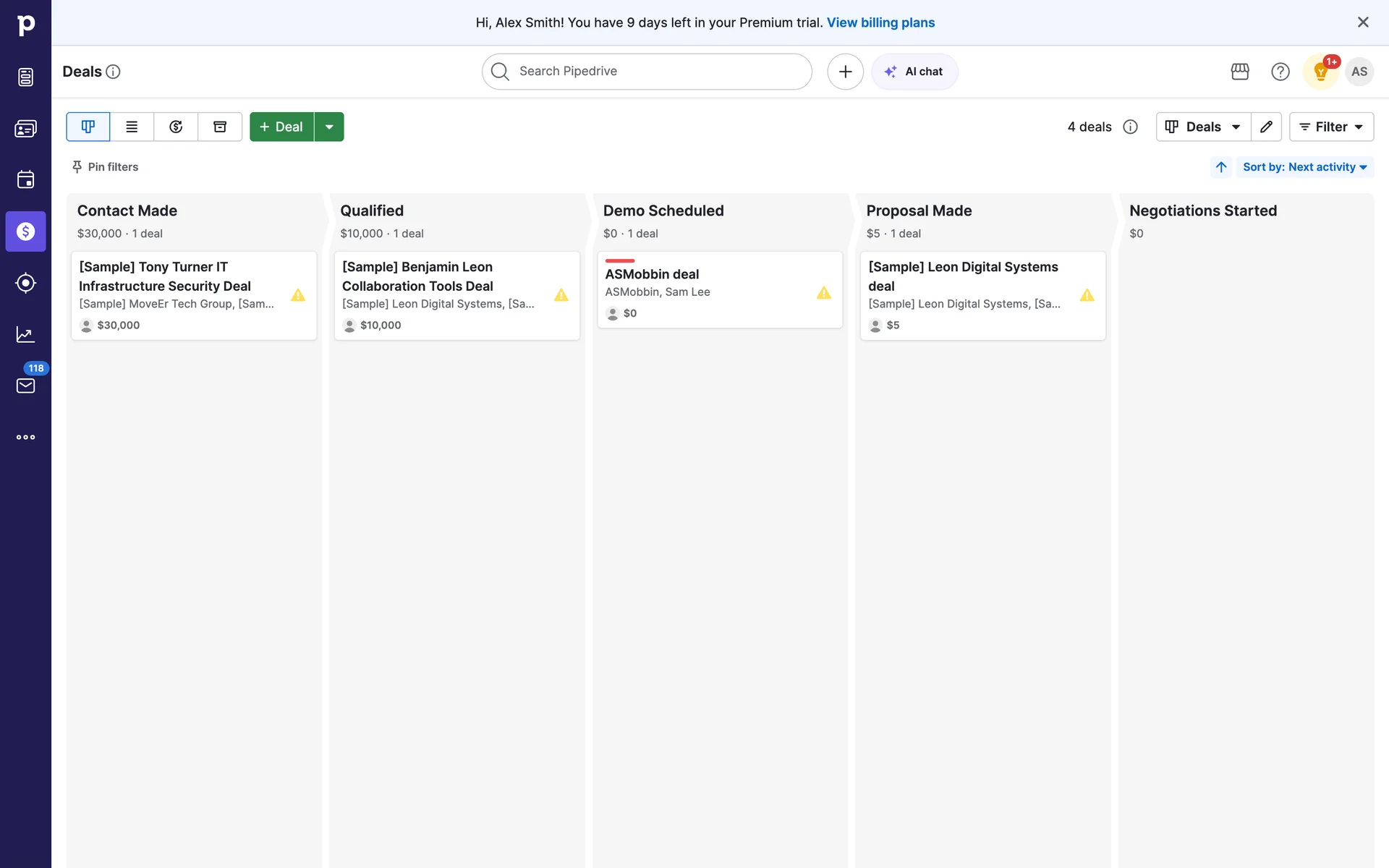

References give the future interface a shared language
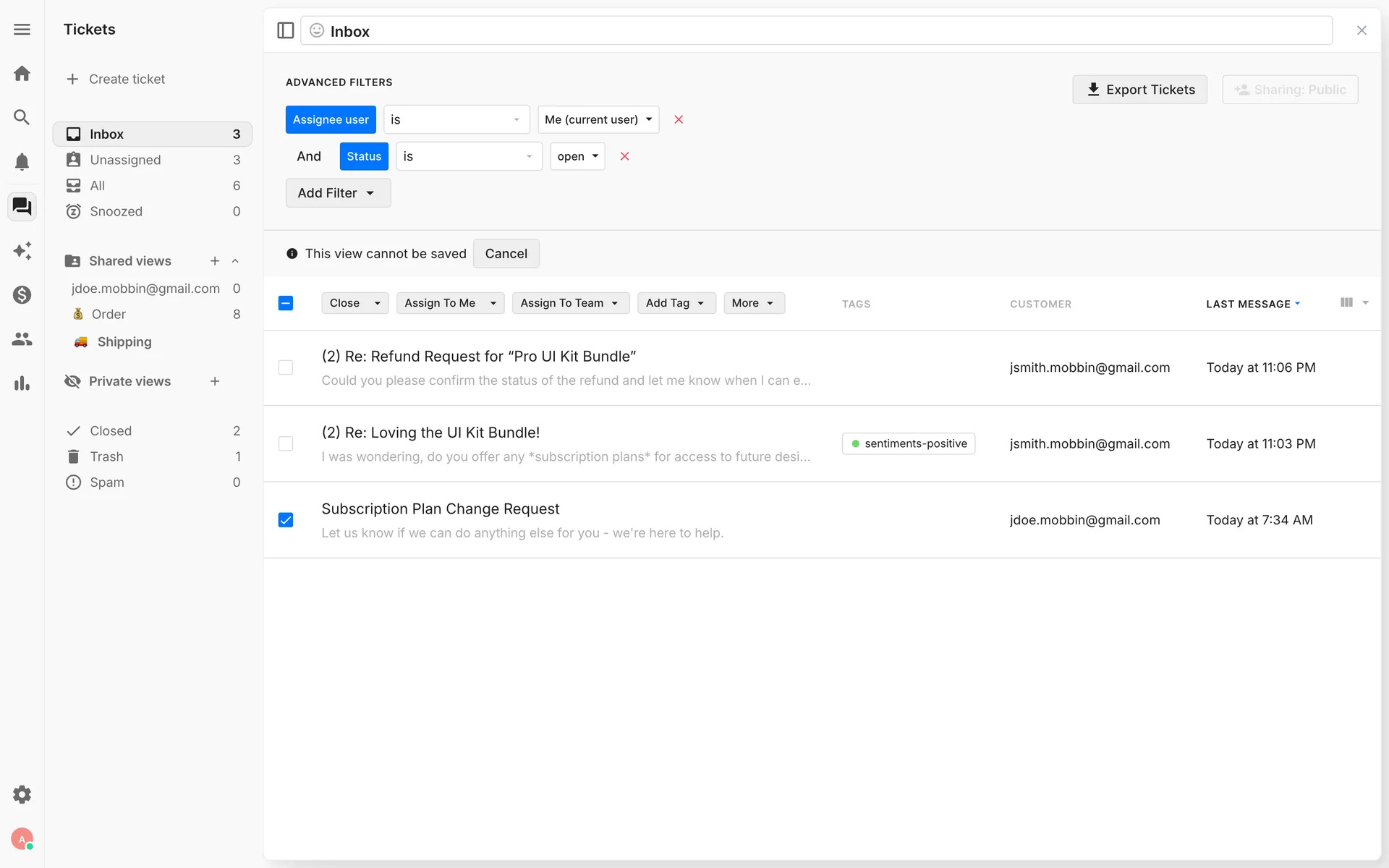
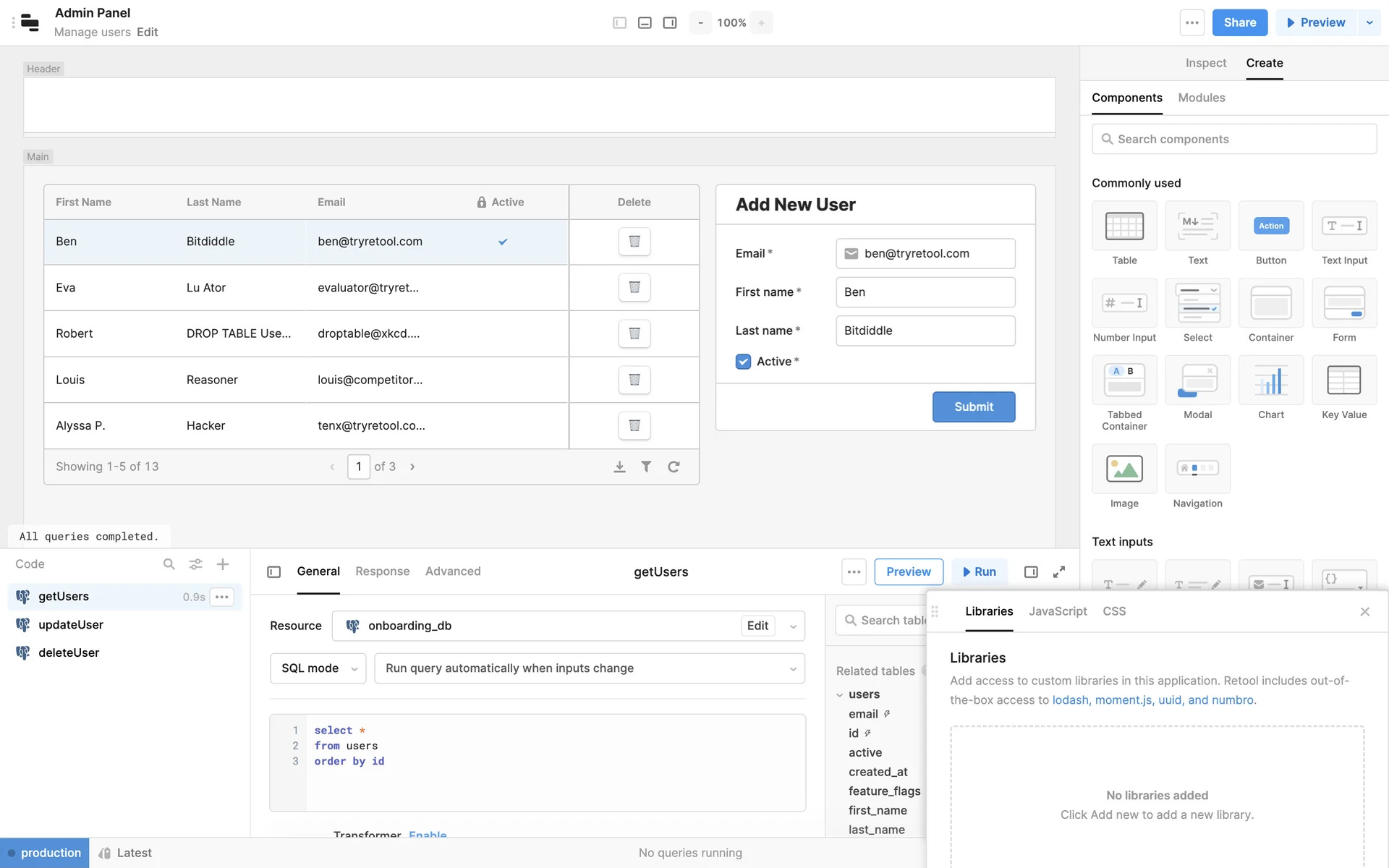
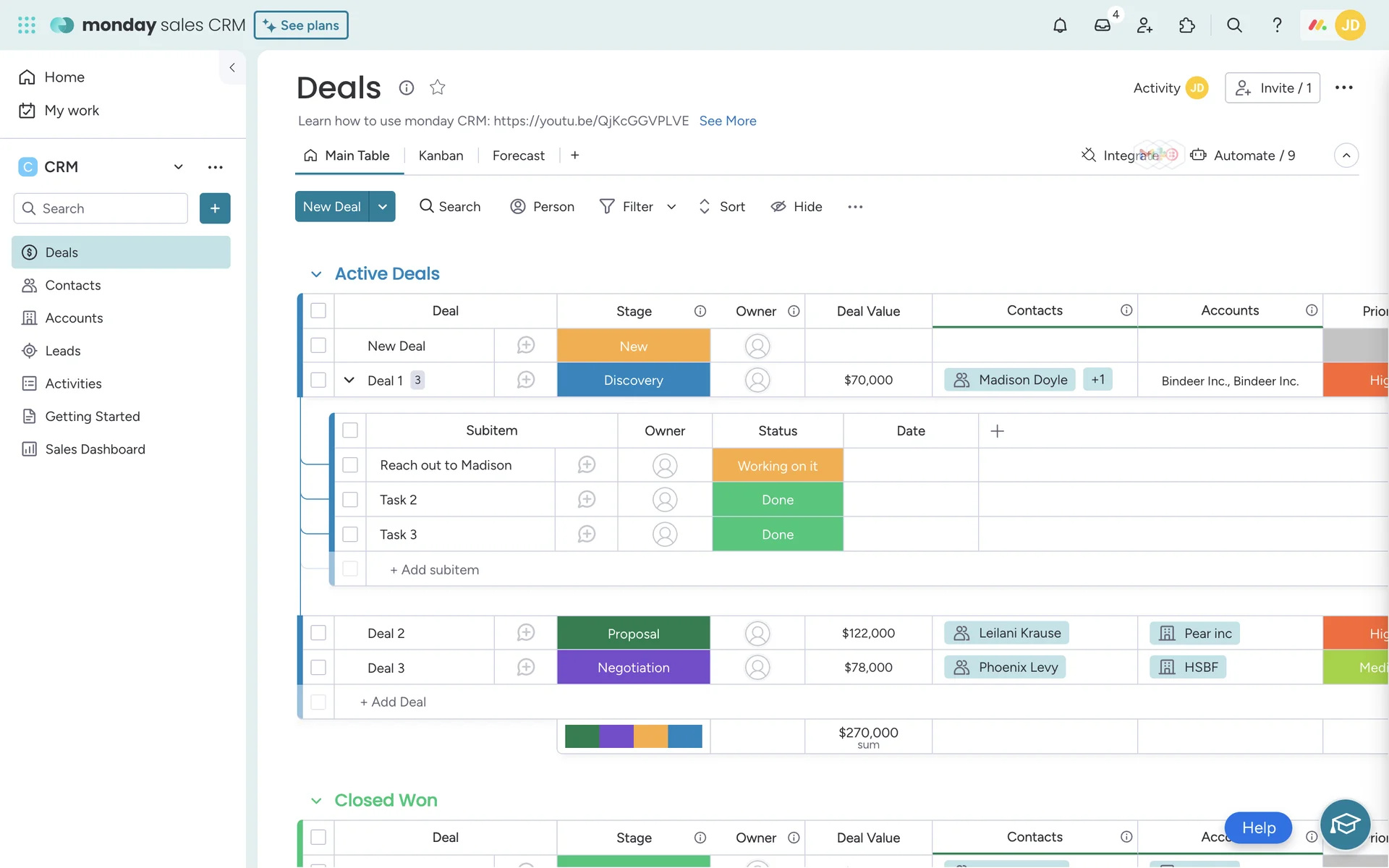
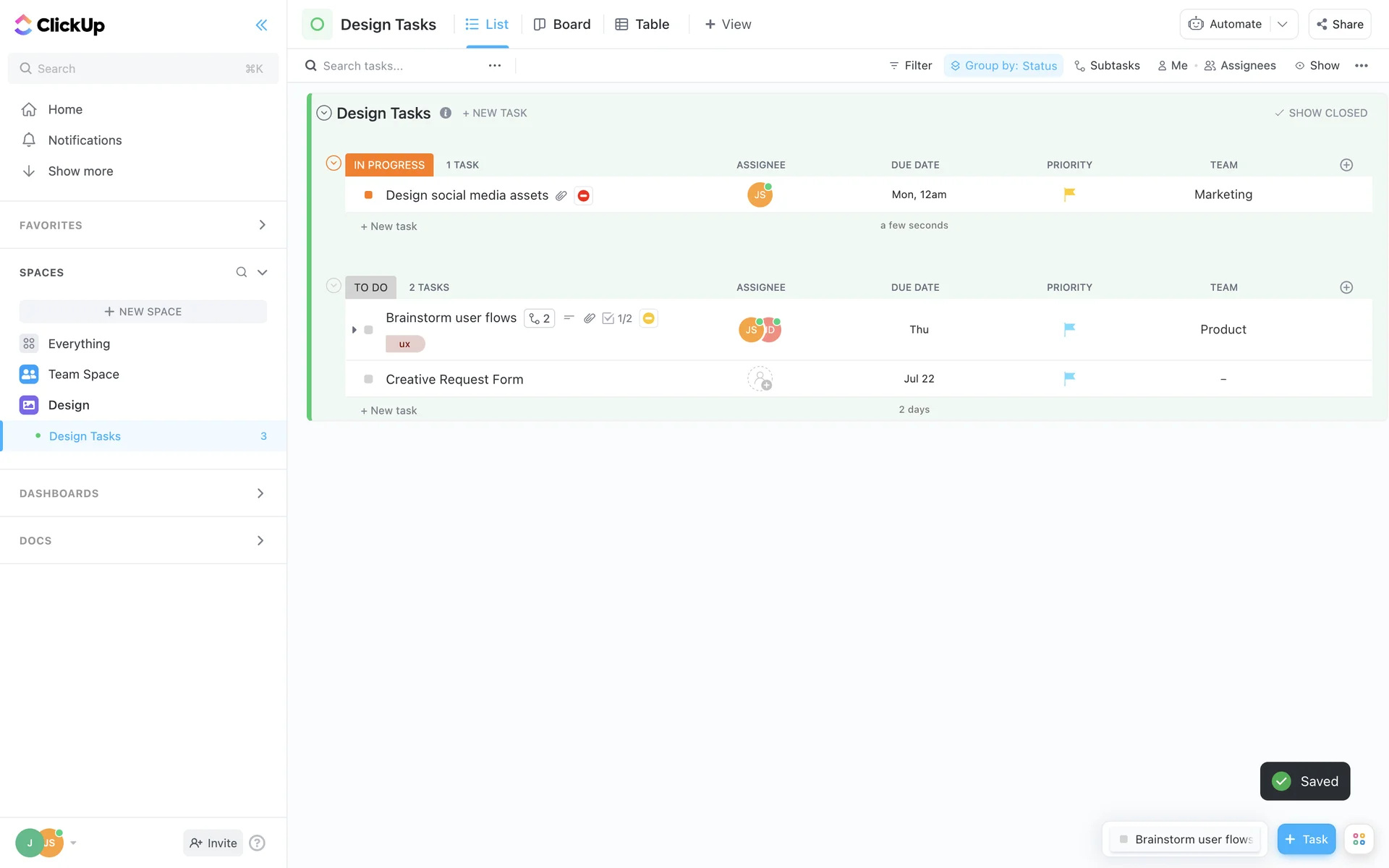
Early on, the useful question is how your process could look inside a working interface. Real product examples give everyone the same frame: where status lives, how ownership is visible, which filters the team needs, what management should see and what should stay out of the first release.
Then we translate those principles into your operating reality: roles, stage names, data sources, approvals, metrics and exceptions. The result is not a SaaS clone, but your own working interface that the team can understand from day one.
AI makes sense when the data has order
AI agents, chatbots and assistants can speed up work with requests, copy, meeting summaries or customer scenarios. But they work better when they have clear data sources, roles, rules, process states and control points.
That is why a good digital solution often starts not with “let us add AI”, but with bringing order to the process. After that, AI can become a natural layer on top of the system instead of a decorative feature without support.